
Reading time:10 min reads



The use of mobile learning has been taking center stage over the past few years. It’s a learning format that makes training, both inside the workshop and remotely, highly flexible. They are becoming indispensable on the training floor.
In this article, we show how using personal devices is the way forward, and offer practical tips for incorporating them into your sessions.
According to recent research by the eMarketer, the number of smartphone users worldwide will surpass 2 billion in 2016. By 2018, they have estimated that over one-third of consumers worldwide, or more than 2.56 billion people will be using smartphones, both for professional and personal use.

Integrating smartphones into your training session is not just trendy - in the future of workshop training it will become more and more essential. Learning how to incorporate them into your training sessions: whether through learning apps or videos searches, will be key for trainers looking to progress with the industry.

Smartphones allow attendees to easily get involved with the material through learning apps that can be used to share content and information with attendees.
From creating lesson plans to communicating with attendees outside the workshop, these apps can help trainers utilize smartphones effectively in their workshops. Curious about which apps to start with? Here are our top six suggestions:
Apart from the variety of learning apps available to trainers, there is a multitude of ways you can use smartphones in your workshop with tools you and your attendees are already accustomed to using.

From silent discussion to short films, using smartphones in workshop sessions adds a new level of connectivity between trainers and attendees. Read our list below for more ideas and practical tools you can use in your workshop.

Google Drive: Get to know your attendees by having them complete a Google Form, you can assess how much they know about the topic before the workshop so that you can customize the session to the needs of the group.
Have attendees assess their peers’ ideas by collaborating on a Google Doc or Sheet. Allow them to view real-time constructive criticism. Afterwards, polish up the spreadsheet or document and share with attendees on the big screen.
After the session, you can easily allow the attendees assess and offer feedback on the session through a simple Google Form sheet
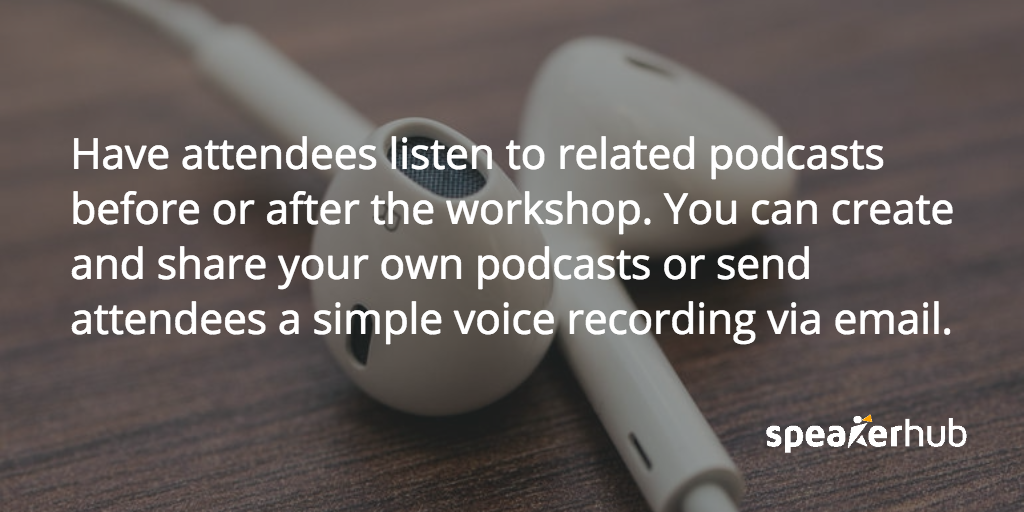
Lastly, don’t forget that a smartphone is an amazing tool for all kinds of practical needs. You can use the Stopwatch/Timer/Clock to manage workshop session times (and there is even an app for a realistic-looking sand timer!).
Also, the Dictionary/Thesaurus/Translator apps can help you get creative with your word usage in the sessions, while an app like Google Voice Translate can instantly break down language barriers.
Find out more about being listed as a trainer on SpeakerHub here.
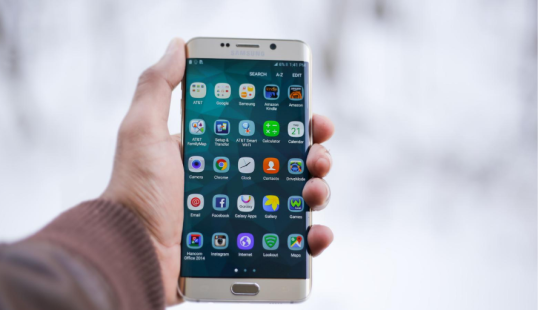

There are dozens of clever ways to integrate smartphones with training sessions. Do you already use smartphones or personal devices in your workshops? What has been most effective? We’d love to hear your opinions and advice, feel free to contact us any time.
Popular Categories